

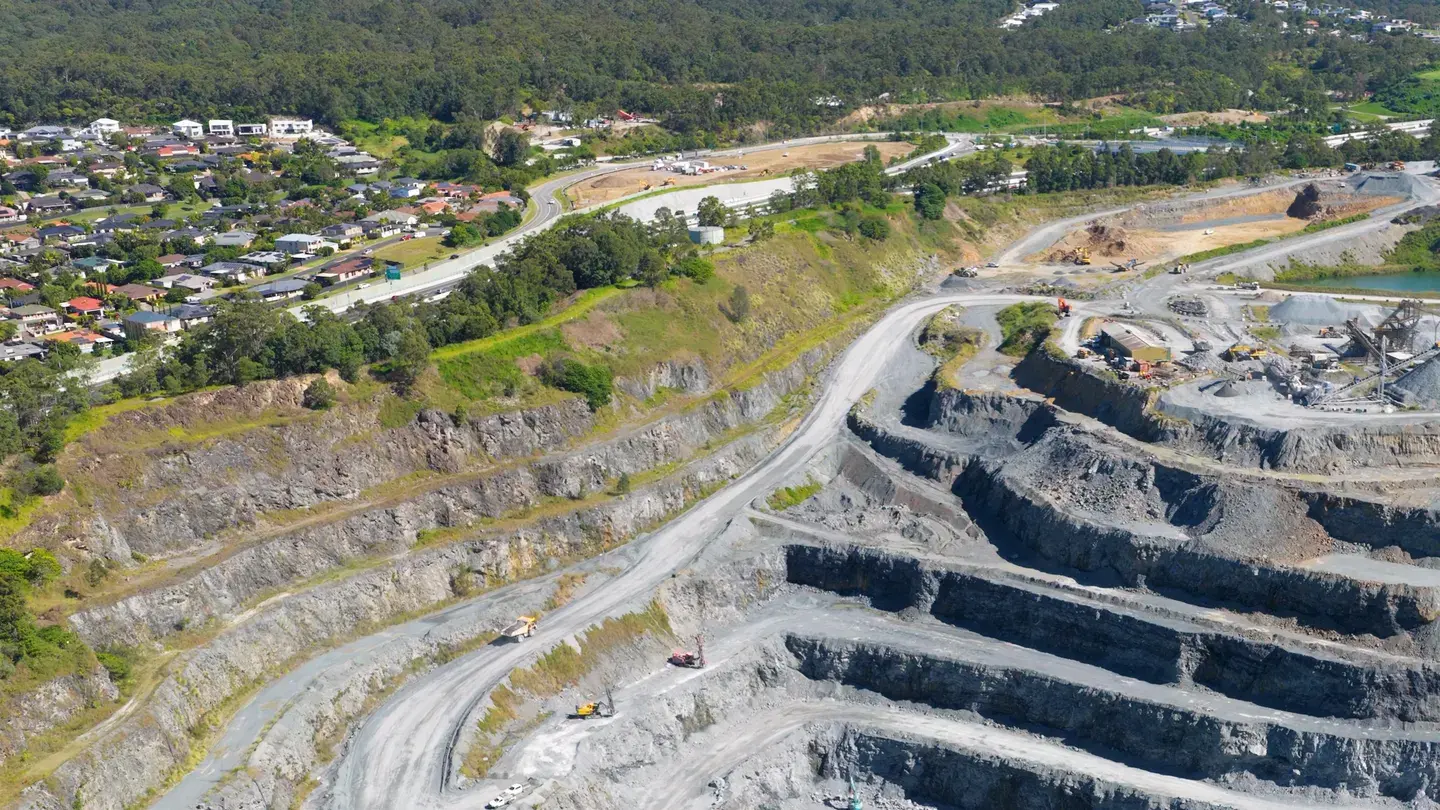
Know who needs help, and who is still underground, in seconds.
An offline panic button for every worker, a live headcount for the control room, and alarms that escalate until answered.
For mine operators, safety teams and the people on shift.
Web control room · iOS and Android worker app
One shift. One connected picture.
From the worker’s phone to the control room, see how SARMA supports the next decision.
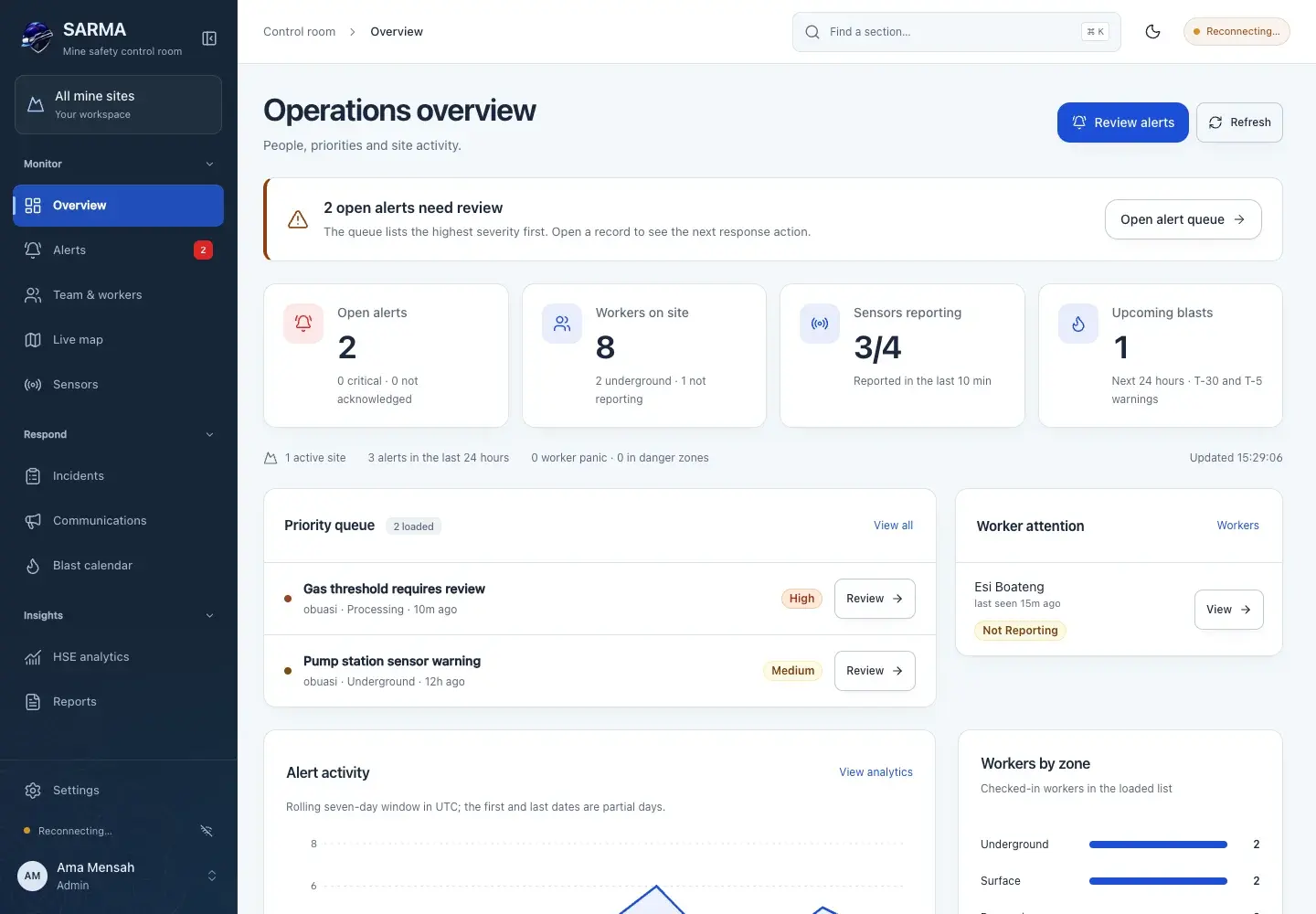
Start with what needs attention.
Review urgent alerts, check worker contact and see which sensors are reporting. Open the record to take the next action.
- Severity-first alert queue
- Last-contact visibility
- Recorded response history
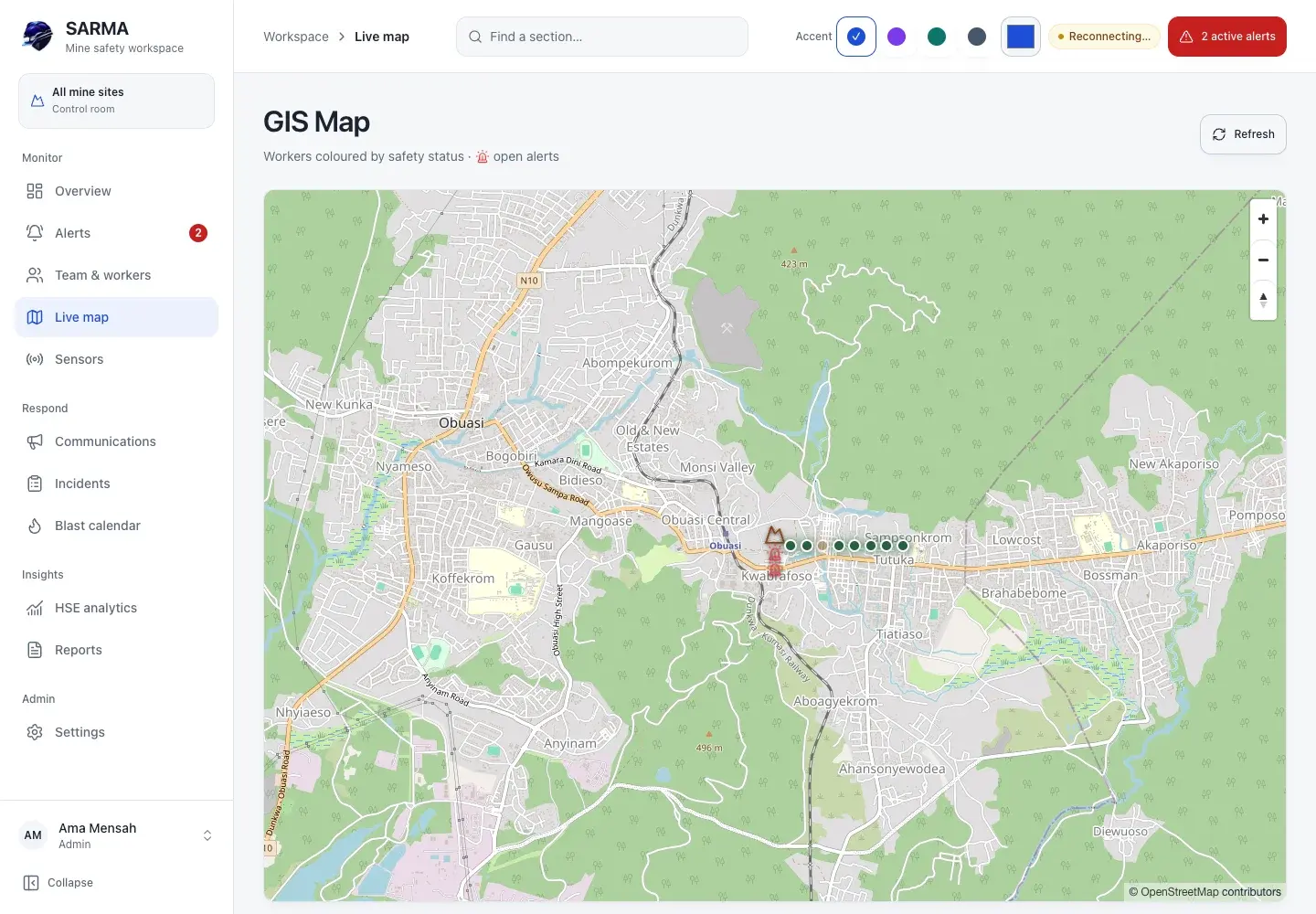
Put the last reported location in context.
See worker locations and recorded alerts on the site map. Open a marker for the available details and location accuracy.
- Worker and alert markers
- Location accuracy shown
- Site and zone context
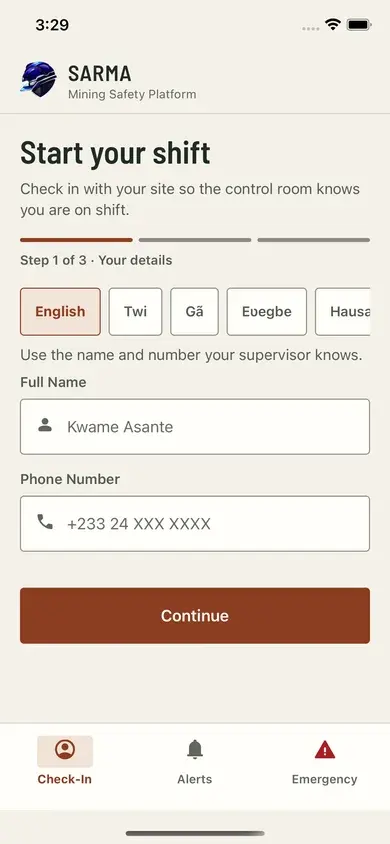
A clear next step for every worker.
Check in at the start of a shift, receive site alerts and reach emergency controls from a dedicated tab. Reports save on the phone when there is no signal.
- Three-step check-in
- Hold-to-send panic
- Offline incident saving
How it works
Start of shift
Workers check in
With the site code from their supervisor, choosing the zone they are working in.
Any moment
An alert is raised
A held panic button, a sensor crossing its threshold, or a supervisor.
Within seconds
The control room is alarmed
Siren and banner on every open dashboard until someone acknowledges.
After 5 minutes unanswered
Escalation by SMS
Site escalation contacts are texted. The delay is set per site.
Help that still gets through when the signal does not
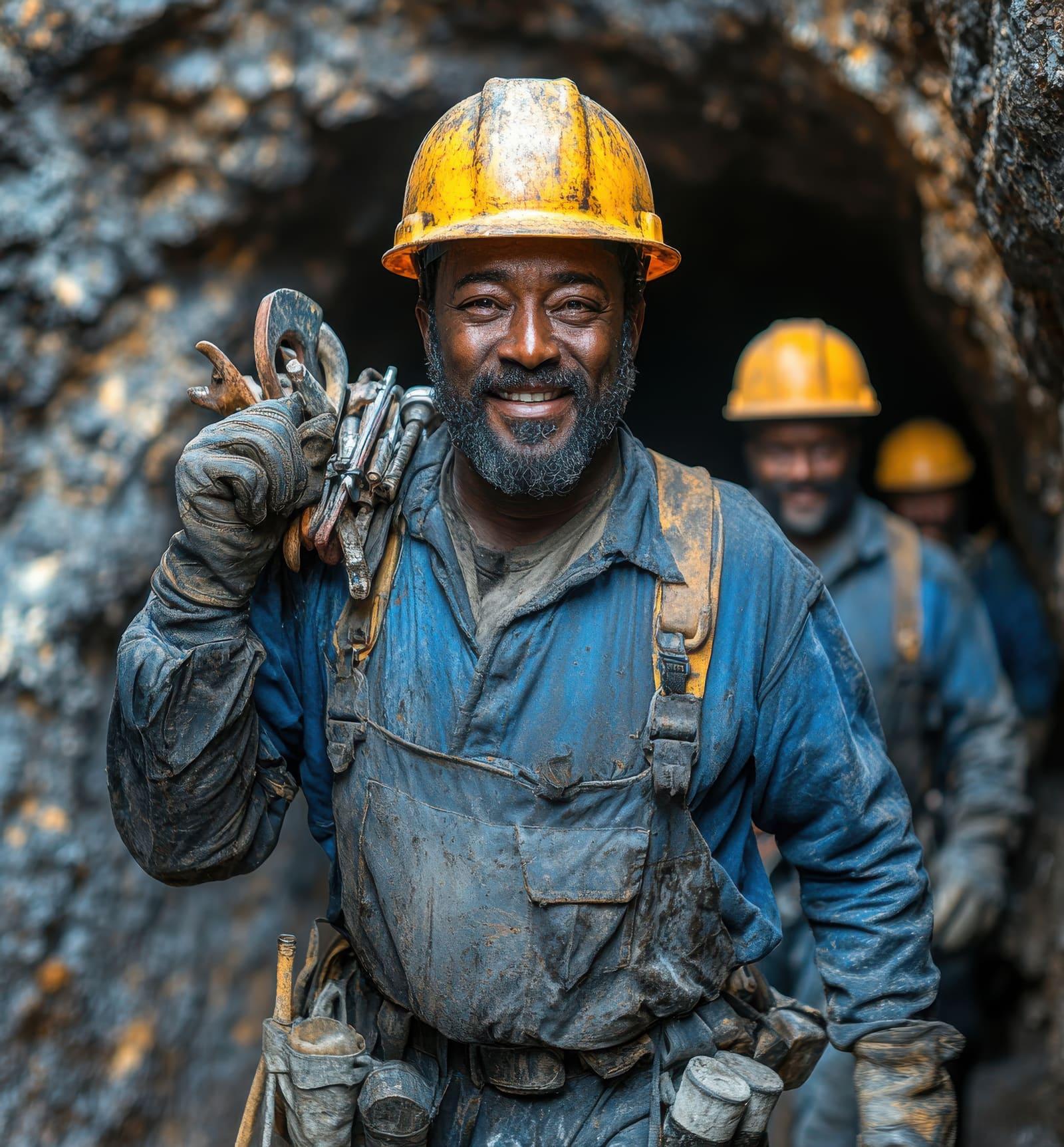
Underground there is often no coverage. The SARMA worker app saves a panic on the phone and keeps retrying until it is delivered, while showing one-tap call and SMS options. On the surface, supervisors see who is checked in, where, and who has stopped reporting.
- Hold-to-send panic, so a knock in a pocket does not raise an alarm
- Saved offline and delivered automatically when signal returns
- Location shared while checked in, for faster rescue and roll-call
- Site alerts and blast warnings in the app, even without push
What SARMA does
When someone needs help
- Panic button that works offline
- Hold-to-send panic on the worker app. Saved on the phone and retried automatically when there is no signal underground, with one-tap call and SMS fallbacks.
- Control-room alarm and escalation
- Every critical alert sounds on all open dashboards until acknowledged, and is escalated by SMS if nobody responds in time.
Before it happens
- Blast warnings
- Schedule a blast once. Workers on site are warned by push and SMS 30 and 5 minutes before, then told when it is all clear.
- Sensor thresholds
- Gas, temperature, water-level and vibration gateways post readings. Crossing a site-approved threshold raises an alert automatically.
Accounting for everyone
- Live headcount and muster list
- Who is checked in, in which zone, and who has stopped reporting. Exportable as a muster list for evacuation roll-call.
- Records and CAP 1.2 export
- Every alert, acknowledgement and resolution is logged. Export incident logs as CSV and individual alerts as standard CAP 1.2 XML.
Common questions
- Does the panic button work underground without signal?
- Yes. When a worker holds the panic button, the alert is saved on the phone first and sent immediately if there is any signal. Without signal, the app keeps retrying automatically and delivers it, stamped with the original time, as soon as the phone reconnects. The same screen also offers one-tap calling and SMS to the site emergency number.
- How does the control room know when someone needs help?
- Every critical alert sounds a siren and shows a banner on every open SARMA dashboard until someone acknowledges it. If nobody acknowledges a critical alert within the configured time (5 minutes by default), SARMA texts the escalation contacts.
- How do you know who is underground during an evacuation?
- Workers check in at the start of a shift and check out at the end. The dashboard shows who is on site, in which zone, and who has stopped reporting, and exports a muster list for roll-call.
- Which phones and languages are supported?
- The worker app runs on Android and iPhone. The interface supports English, Twi, Ga, Ewe, Hausa and French; any text not yet translated falls back to English.
See SARMA on your site
We will walk your safety team through check-in, panic, alarms and muster lists.